




Your Claude Code chats, wherever you roam.
Start a conversation on one PC and pick it up on another. CodeRoam keeps your chats in step: encrypted on your PC first, stored in your own private GitHub repository.
- Free to use
- Windows 10 & 11
- 2.4 MB, no admin rights
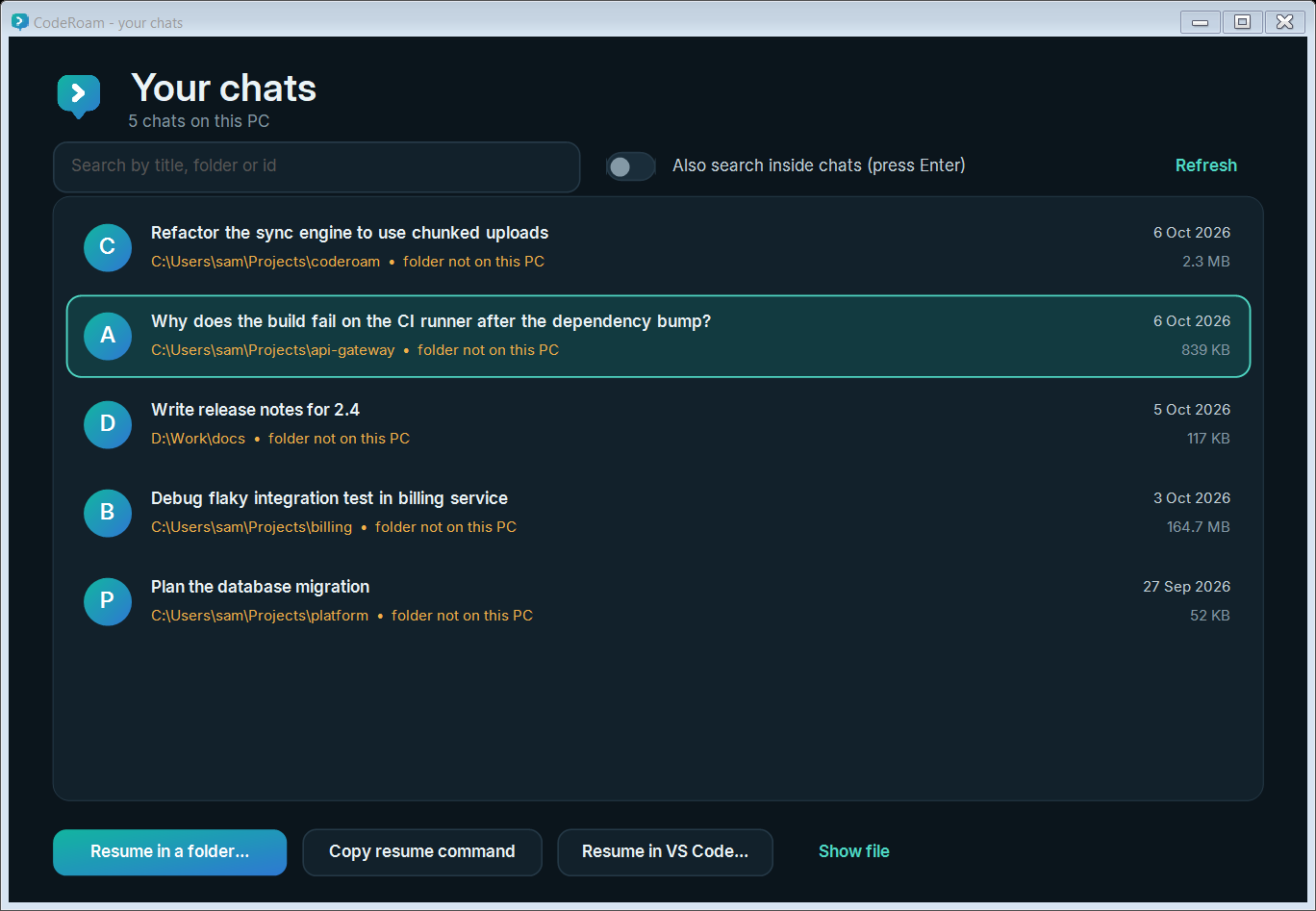
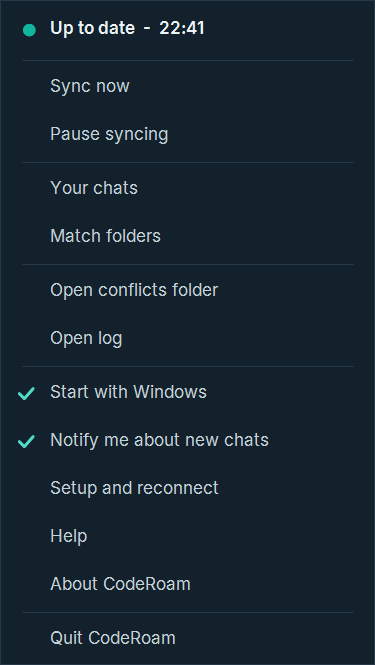
Your conversations shouldn't be stuck on one computer.
Claude Code keeps each chat on the PC where it happened. CodeRoam carries them between your PCs, with no server in the middle and nobody else able to read them.
Locked with your own key
Chats are encrypted on your PC with a key made from your passphrase. GitHub only ever sees scrambled data. Not even we could read it.
Stored in your own repository
A private repo on your own GitHub account. No CodeRoam server, no account with us, no telemetry, ever.
Works with VS Code
Folders that differ between your PCs are matched for you. Pick a chat, click Resume in VS Code..., and carry on in Claude Code's extension, or in the terminal.
Set up once. Then forget about it.
Install
One window installs CodeRoam for your Windows user, with no administrator rights, in about a minute.
Connect GitHub, choose a passphrase
CodeRoam makes a private app on your account that can reach one repository. Your passphrase locks everything.
Your chats follow you
New chats appear on your other PCs by themselves. Later updates are one click, with no setup.
Calm, quick and out of your way.
Everything you need in one small app that lives by the clock, in light or dark to match Windows.
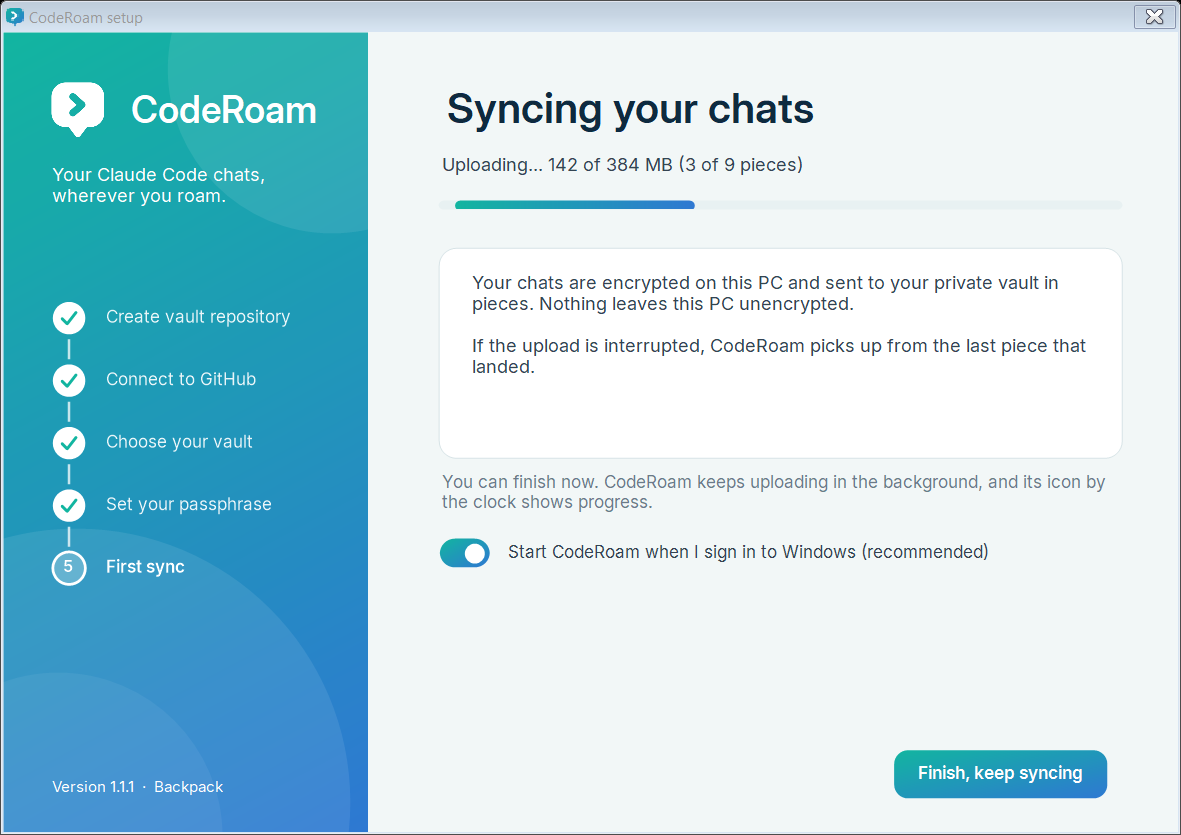
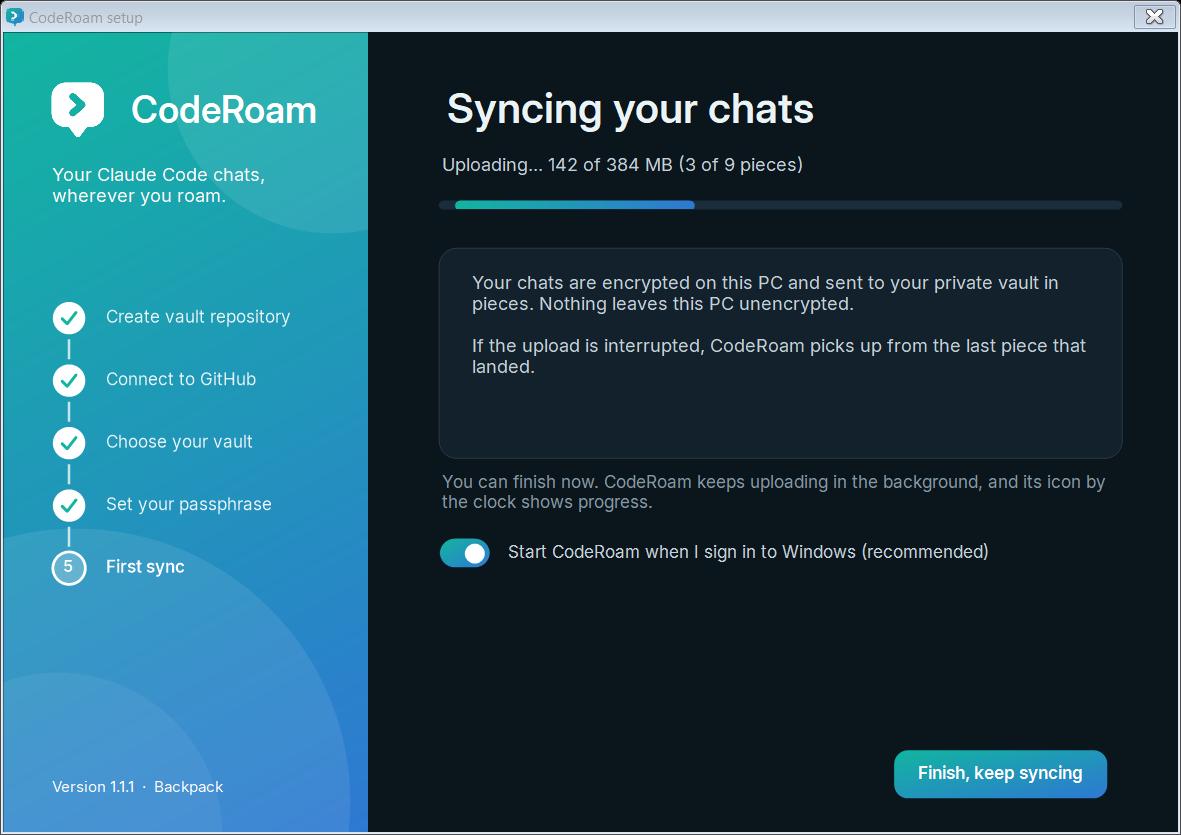
Real progress. The first sync shows exactly how much has gone, and you can finish early while it carries on in the background.
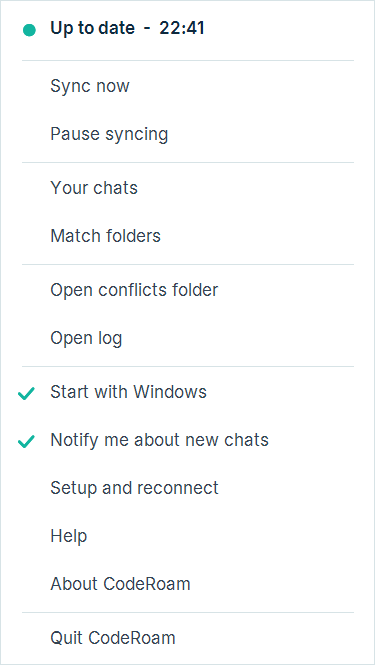
Lives quietly in the notification area.
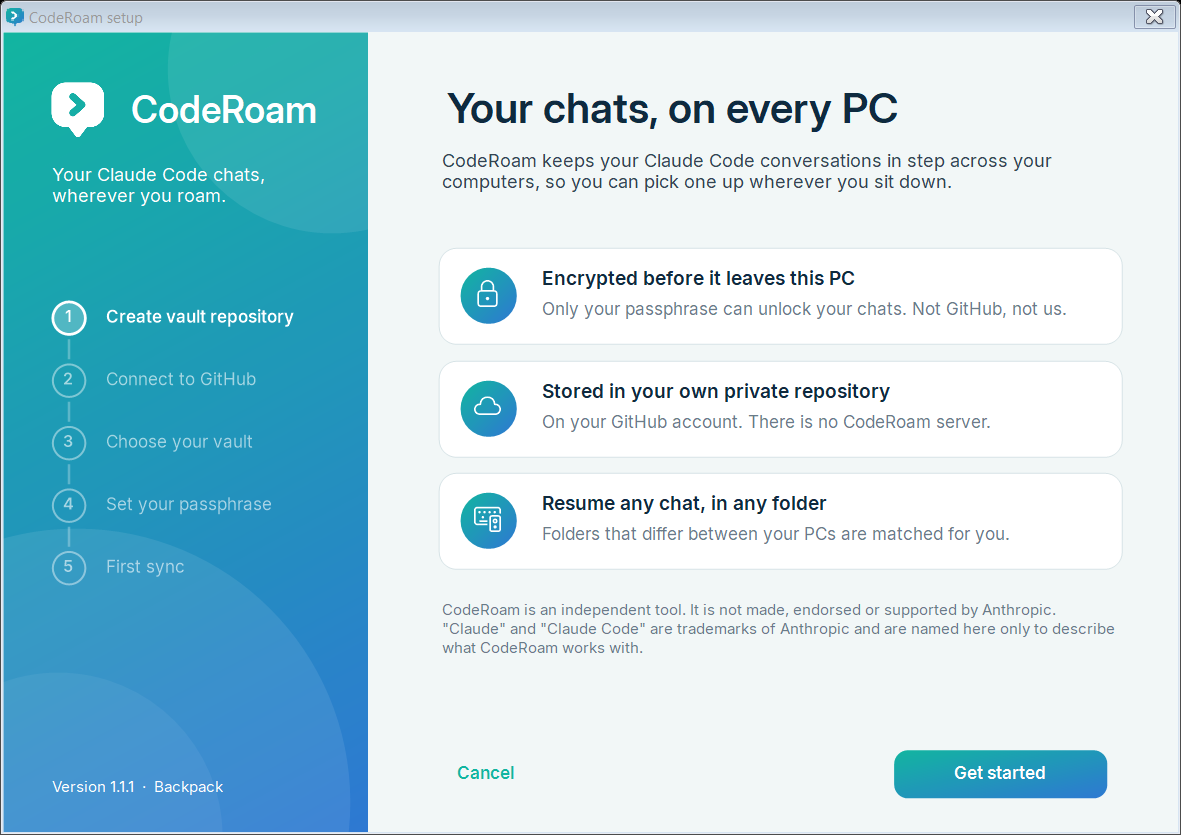
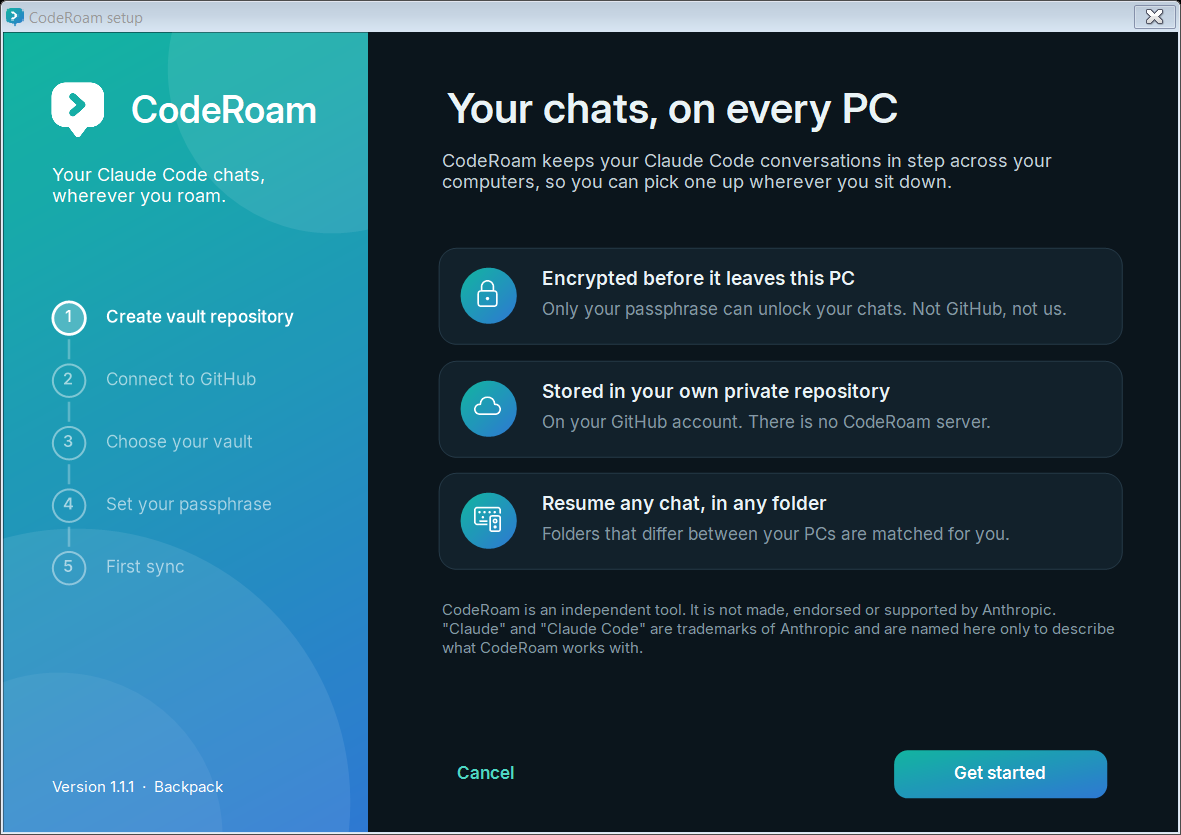
One window installs it and walks you through setup. Updating later skips straight past all of this.
Built so you don't have to trust us.
- Encrypted on your PC first. AES-256 with HMAC, with a key stretched from your passphrase (PBKDF2, 600,000 rounds).
- GitHub can't read your chats, or even their titles, folders or ids. File names are opaque.
- One repository only. The private app on your account can reach just the vault you choose, and setup refuses anything broader.
- Tamper-proof. Swapped, damaged or rolled-back data is refused, and nothing on your PC is overwritten.
- Free to use. Released under the MIT licence, with no accounts, no telemetry and nothing to pay.
What GitHub actually stores
No chat text, no titles, no folder names, no session ids. Only your passphrase unlocks it.
Take your chats with you.
Free, private and about a minute to install.
For Windows 10 and 11. One installer, no administrator rights. Already installed? Run it again and it simply updates, with no setup.
Download CodeRoamFree (MIT licence) · Release notes · User guide
- Size
- 2.4 MB
- Released
- see GitHub
- Needs
- Windows 10 or 11, a free GitHub account
- SHA-256
a9c8a99ae9f541a6790bec8cd5f70645be75b0bb5789c4aaf58d1c0024baf376
Good to know.
Can anyone read my chats, including GitHub or you?
No. Chats are encrypted on your PC with a key derived from your passphrase before anything is uploaded. GitHub stores scrambled data and opaque file names. There is no CodeRoam server, and your passphrase is never stored or sent anywhere.
What if I lose my passphrase?
Your chats on your PCs are unaffected. The vault can't be opened without it, by anyone. Create a new vault repository and set your PCs up again with a new passphrase. Keep it in your password manager.
What exactly gets synced?
Only your Claude Code chat transcripts. Not your code, settings, skills or anything else. Large chats are split into pieces so only what changed is sent.
Does it work with VS Code?
Yes. In the chat library, Resume in VS Code... opens a folder in VS Code with the chat ready for Claude Code's extension to continue. Resume in a folder... does the same for the terminal.
Why does Windows show a warning when I run the installer?
The installer isn't signed with a paid code-signing certificate, so SmartScreen is cautious about it. Choose More info, then Run anyway. Each release lists the file's SHA-256 so you can check your download.
Is this made by Anthropic?
No. CodeRoam is an independent, free tool. It isn't made, endorsed or supported by Anthropic. "Claude" and "Claude Code" are Anthropic's trademarks, named here only to describe what CodeRoam works with.